The Solution: From Detection to "Hardening"
We no longer call cybersecurity a battle.
The era of detecting and responding after threats infiltrate a system is already over.
What AppGuard delivers is "Hardening".
It creates a state in which the system simply does not accept any form of unauthorized interference—from malware-driven destruction to remote manipulation and unauthorized access by attackers.
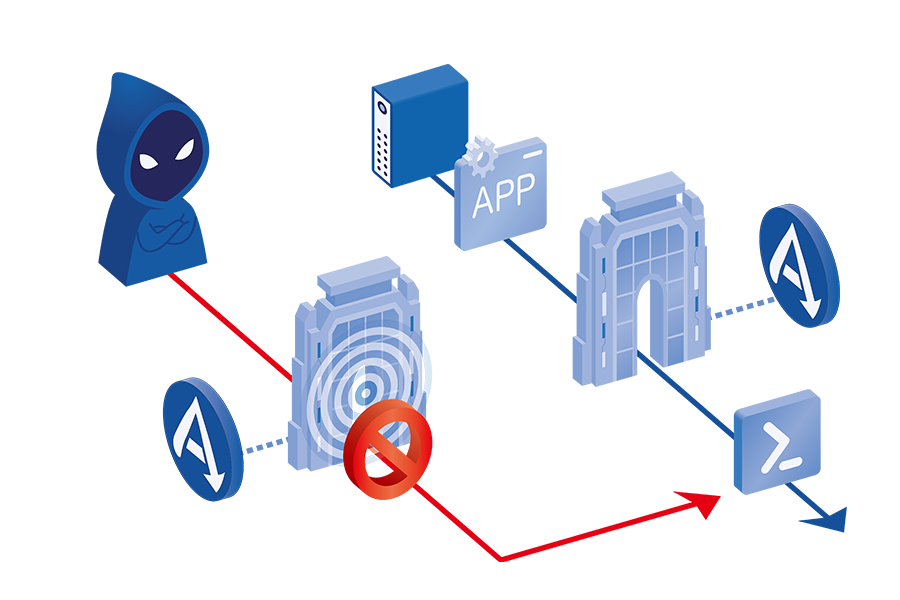
In other words, instead of detecting attacks and chasing them down, AppGuard imposes operational rules that make attacks impossible to begin with. This is the answer AppGuard provides.
“Hardening” — Defense Without a Battle.
Hardening is a defensive concept that does not engage in battle with threats after they infiltrate, but instead creates an environment where threats cannot operate in the first place.
If traditional detection-based security is like installing a “security system” onto a building—monitoring for intrusions or suspicious behavior and sounding an alarm—then Hardening is a philosophy that reconstructs the building itself so that security is embedded into its very structure.
Inside this environment, only authorized users can take approved actions within permitted areas.
Any behavior that violates these rules is physically impossible, preventing attackers from achieving their objectives. Without identifying a threat or analyzing its behavior, the system simply maintains its normal, intended state at all times.
This is the fundamental advantage that Hardening provides.

Comparison Between Fortification and Traditional Approaches
| Category | Conventional Detection-Based Security | AppGuard’s “Hardening” |
|---|---|---|
| Security Philosophy | Focuses on how quickly the “intruder” can be detected after it breaks in. | Focuses on preventing any “malicious activity” from occurring within the system. |
| Handling Unknown Threats | Requires learning and defining new threats, often falling behind emerging attacks. | No threat definition required — even unknown attacks are rendered inactive. |
| Exploitation of Legitimate Tools | Aims to detect attacks and limit damage; however, vulnerabilities remain exploitable. | Neutralizes the specific commands needed to exploit vulnerabilities, preventing attacks from succeeding. |
| Role of Security Personnel | Primarily focused on alert analysis and incident response, requiring rapid reaction. | Prevents incidents before they occur, allowing teams to focus on proactive improvements. |
The Three Layers of Control Implemented in AppGuard
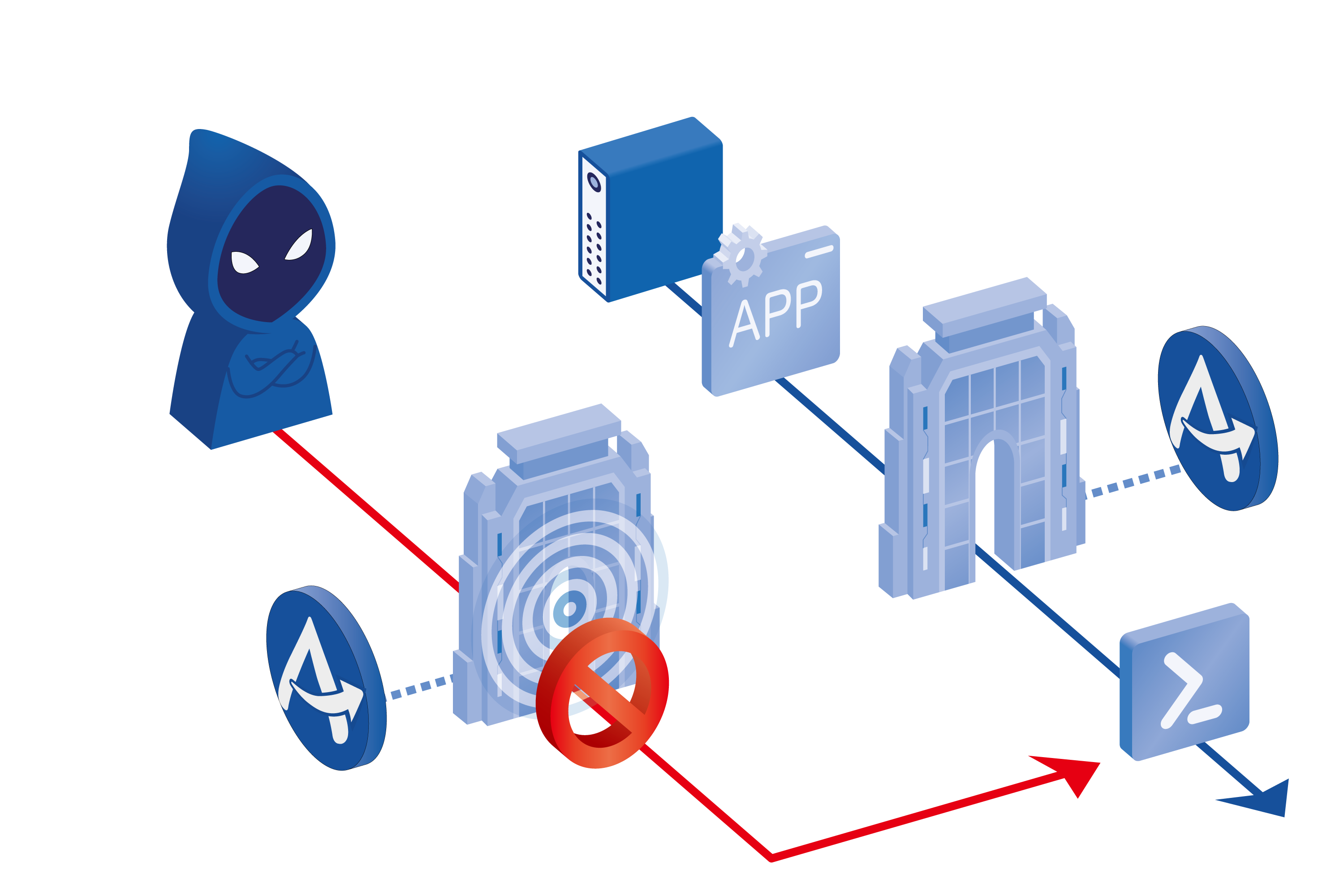
AppGuard verifies every command executed on a system in real time to determine whether it is legitimate and safe. Through this approach, it achieves the following three layers of control:
-

1. Launch Control
Prevents direct execution of legitimate tools—such as PowerShell—that could be exploited by attackers.
Even when such tools are required for legitimate business operations, they can only be launched via approved applications, effectively blocking the attacker’s “first move.” -
2. Behavior Control
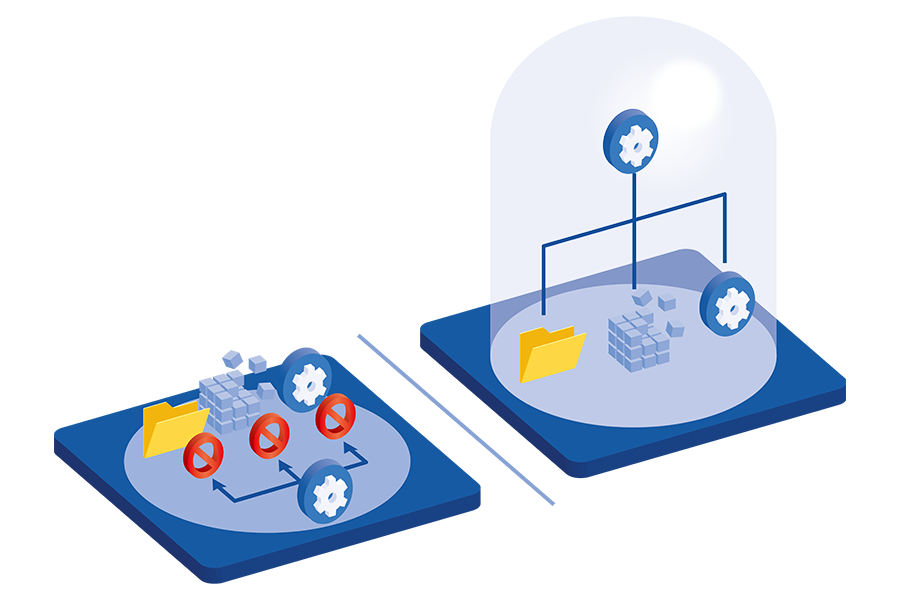
Restricts applications that are frequently exploited in attacks, such as web browsers and Microsoft Office products.
Even if compromised, these applications are prevented from performing critical actions such as writing to system folders or the registry, or manipulating the memory of other applications. Additionally, high-risk applications are executed within an isolated “secure space,” where accessible processes and resources are strictly controlled. -
3. Space Control
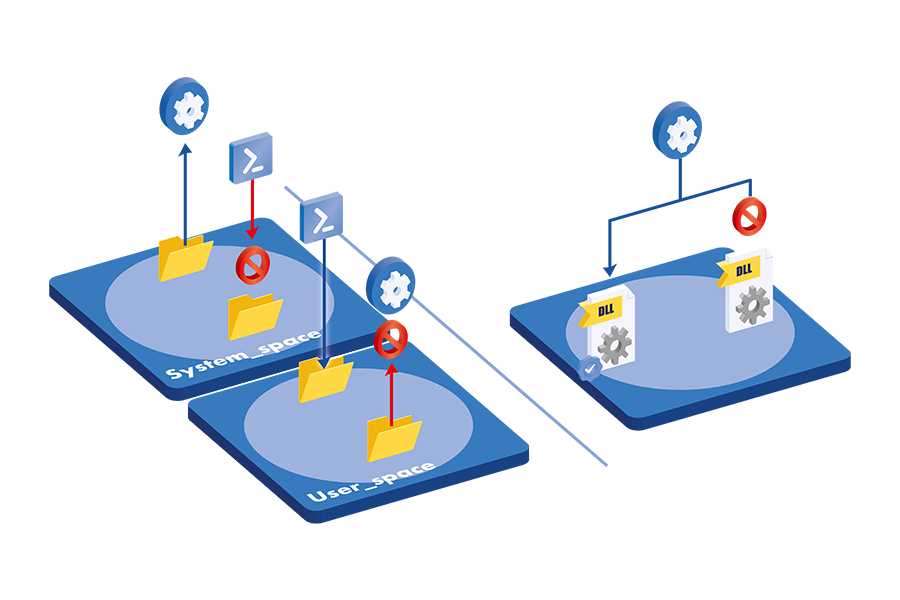
By default, execution of programs from untrusted locations—other than verified system folders—is prohibited.
Even if a malicious file is placed in a user directory, it cannot run without a valid digital signature or explicit full-path authorization.
This also prevents DLL side-loading attacks, in which unauthorized components are covertly loaded into legitimate applications.
Key Features of AppGuard
-
Execution-Prevention Architecture That Stands Firm Against Unknown Threats
AppGuard continuously validates program launches and behaviors in real time, instantly blocking any unauthorized actions.
Its three integrated mechanisms — Launch Control, Behavior Control, and Space Control — work interlocking to prevent attacks such as zero-day exploits and ransomware before they can even begin.
This represents an execution-prevention architecture that stops threats from ever materializing. -
Universal Defense Unaffected by Vulnerabilities or System Environment
AppGuard establishes protection by controlling the very commands essential for an attack to succeed.
As a result, it not only defends against attacks that exploit legitimate tools, but also enables mission-critical systems to operate securely even when immediate patching is not possible. -
A Scan-Free Security Platform That Keeps Systems Running Smoothly
Unlike traditional detection-based solutions, AppGuard requires no periodic scans or signature updates, eliminating unnecessary load on PCs and servers.
Security processes never interrupt business operations — ensuring a stable, seamless, and efficient system environment — because safety verification occurs instantly at runtime.
CasesCASE STUDY

- EBARA DENSAN CO.,LTD.
- Industry:Manufacturing
Product:AppGuard Enterprise
* As of April 1, 2026, AppGuard Enterprise have been changed AppGuard Workstation.
Water is essential to everyday life. EBARA DENSAN CO.,LTD., a company that has long supported Japan’s social infrastructure, developed "Rurion", a cloud service that optimizes the operation of water infrastructure in response to the growing challenge of a shrinking workforce.

- JTB Corp.
- Industry:Travel
Product:AppGuard Enterprise
* As of April 1, 2026, AppGuard Enterprise have been changed AppGuard Workstation.
Celebrating its 113th anniversary, JTB Corporation continues to take on the challenge of addressing social and regional issues through “Creating Opportunities for Exchange” on a global scale — delivering inspiration and empathy through travel experiences.
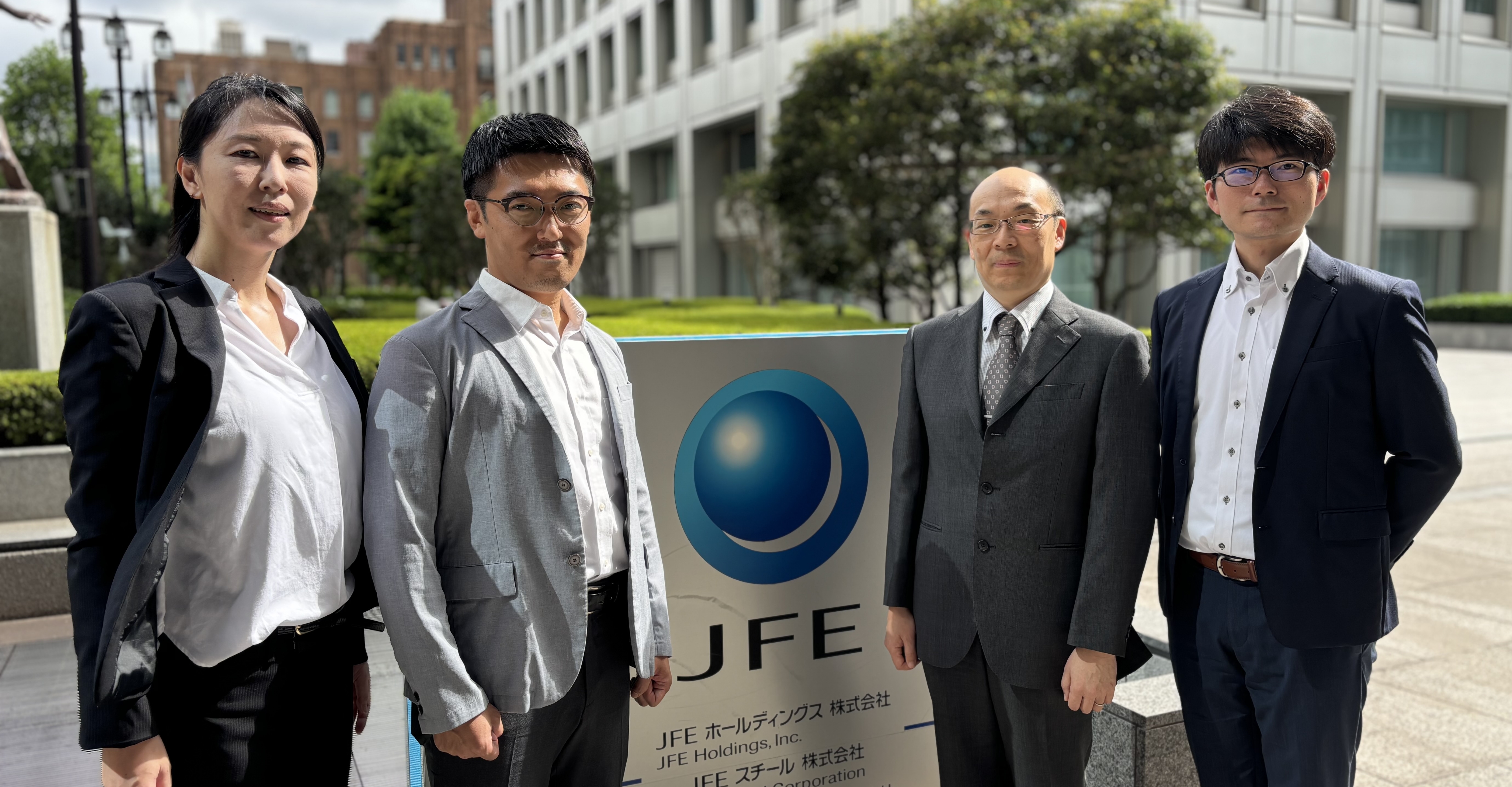
- JFE Steel Corporation
- Industry:Manufacturing
Product:AppGuard Enterprise
* As of April 1, 2026, AppGuard Enterprise have been changed AppGuard Workstation.
JFE Steel Corporation is driving digital transformation (DX) to strengthen its competitive edge. In parallel, the company is reinforcing security across its production sites—commonly referred to as OT environments—under the principle of “DX with Security,”

- Saitama Medical University Hospital
- Industry:Medical Welfare
Product:AppGuard Enterprise
* As of April 1, 2026, AppGuard Enterprise have been changed AppGuard Workstation.
In recent years, ransomware attacks have repeatedly struck medical institutions across Japan. In the worst cases, hospitals were forced to suspend regular medical services for extended periods of time. Witnessing these serious incidents firsthand, Saitama Medical University Hospital decided to move away from its reliance on the “closed network” myth and explore a more zero-trust-oriented approach.
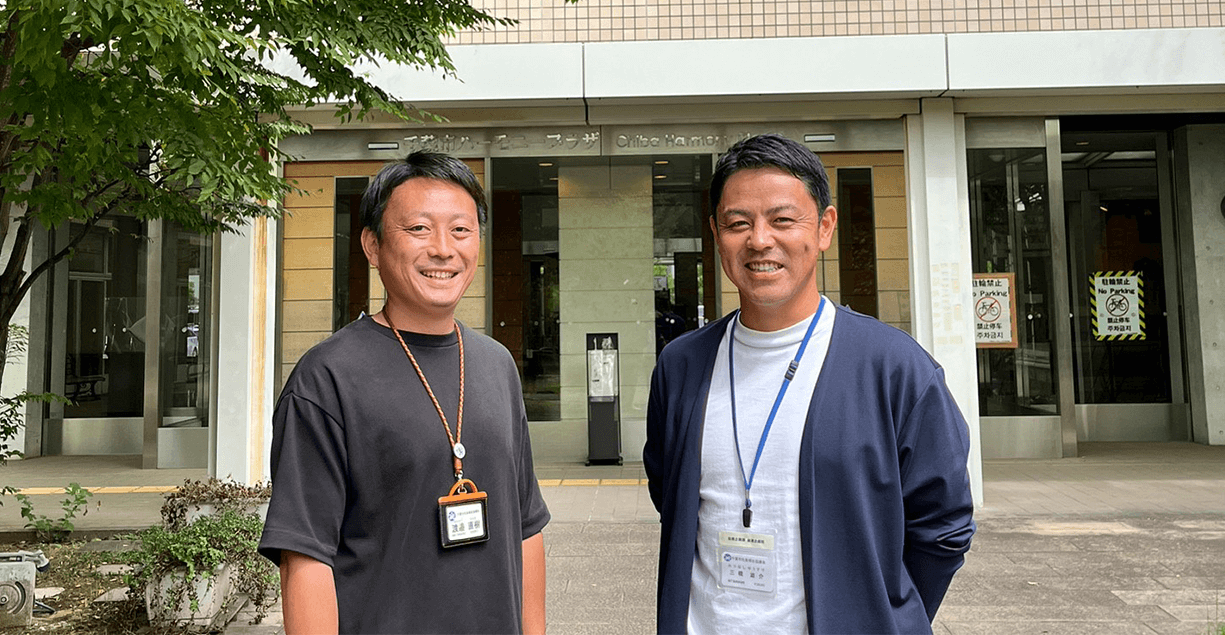
- Chiba City Social Welfare Corporation
- Industry:Medical Welfare
Product:AppGuard Enterprise
* As of April 1, 2026, AppGuard Enterprise have been changed AppGuard Workstation.
Following its merger with the Chiba City Social Welfare Corporation in April 2020, the Chiba City Council of Social Welfare began reviewing additional security measures to address the rapid rise of new and unknown threats such as Emotet—on top of the existing protection it had implemented at each branch against known threats.

- Echizen City
- Industry:Municipality
Product:AppGuard Enterprise
* As of April 1, 2026, AppGuard Enterprise have been changed AppGuard Workstation.
The Echizen City actively leverages digital technologies to enhance operational efficiency among its staff and to deliver more convenient services to its residents. Recognizing cybersecurity as a vital foundation for these efforts, the city has made it a key priority.
- NCS&A CO., LTD.
- Industry:Information and Communications
Product:AppGuard Enterprise
* As of April 1, 2026, AppGuard Enterprise have been changed AppGuard Workstation.
NCS&A CO., LTD., which provides a wide range of IT services including system development and implementation support, recognized the need to strengthen its cybersecurity measures in response to increasingly sophisticated and complex cyberattacks.

- YUGE NEUROPSYCHIATRIC HOSPITAL
- Industry:Medical Welfare
Product:AppGuard Enterprise
* As of April 1, 2026, AppGuard Enterprise have been changed AppGuard Workstation.
For over 50 years, Yuge Neuropsychiatric Hospital has been providing medical services in Kumamoto City under its guiding principle of “active contribution to the local community.”